



Player
Language, subtitles, quality: change them all during playback, without going back to the detail page.

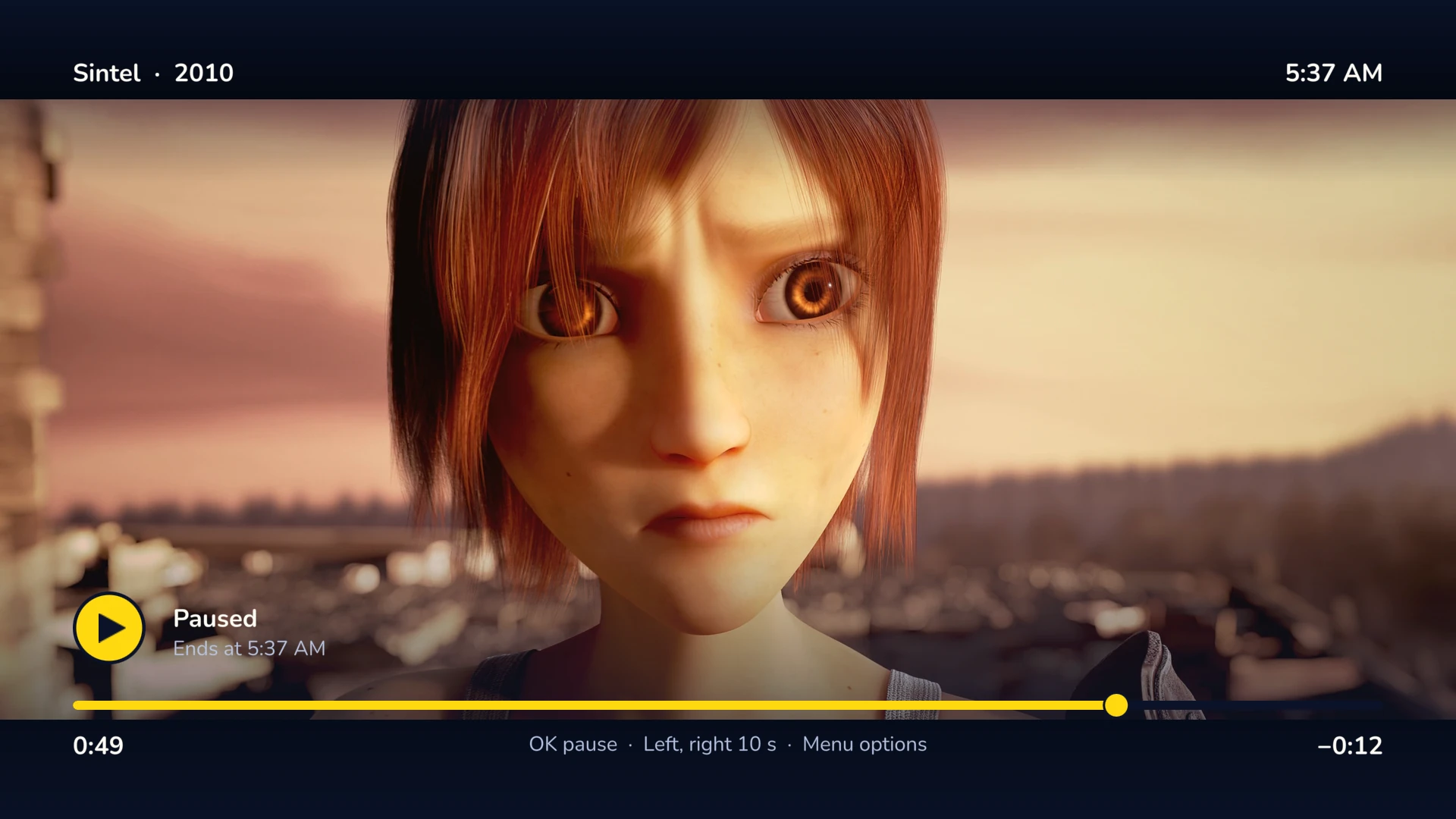
The options menu
During playback, the Menü key opens the options. Changing a track or the quality restarts the stream at the same position.
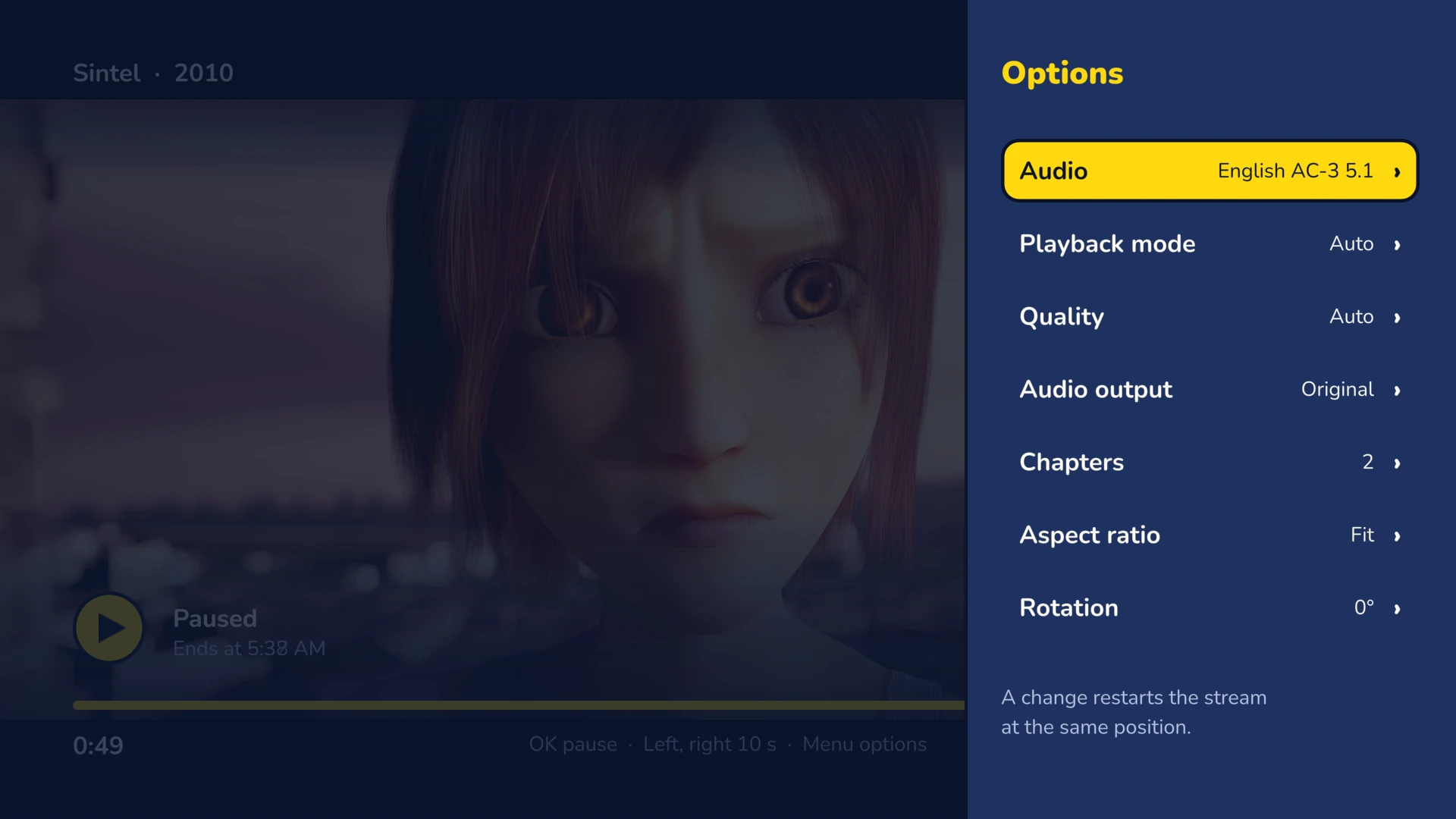
Audio
Every track of the file, with its language and format. Audio output in AAC 2.0 or AC-3 5.1.
Subtitles
A main track, plus a secondary track at the top of the screen: two languages at once. Adjustable offset.
Quality
Auto, from the measured bandwidth, or a bitrate of your choice. Playback mode can be forced to direct play or conversion.
And also
Chapters, speed, aspect ratio, rotation, mute, repeat, playback data.
Subtitles in detail
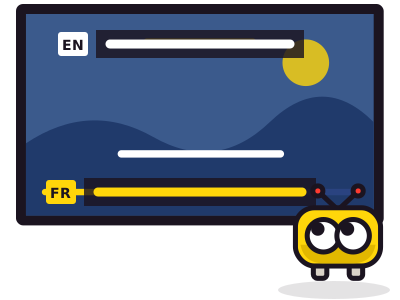
- SRT and WebVTT: Frinkfin draws them. Set their size, color, background, edge and position.
- PGS, ASS and SSA: your server burns them into the picture, with their fonts.
- Online subtitles: search for a track and add it from the player, if your account has this right on the server.
- Default languages: preferred audio and subtitles, subtitle mode. These choices belong to your Jellyfin account.
Move around the movie

Fast forward and rewind
Hold the key: the speed goes up. Release it: the movie resumes from there. Seek bar thumbnails, if your server has them.
Jumps
Left and right jump 5 to 30 seconds, as you choose. The 0 to 9 keys jump through the movie: 0 to the start, 1 to 10%, 9 to 90%.
Resume
Playback resumes at the last position, a few seconds earlier if you set it.
What the Player plays
The Freebox Player Devialet outputs 1080p SDR. It plays H.264, HEVC and VP9 directly in MKV, MP4 or TS, with AAC, AC-3, E-AC-3 or DTS sound. For the rest (AV1, HDR, 4K, TrueHD), your server converts. If playback stalls, Frinkfin switches to conversion on its own, then to a lower quality.
Direct or converted?During playback, the Info key tells you, with the reason. Formats in detail
ApiNetwork-Dienstleistungen
Einen Jellyfin-Server installieren oder einstellen? Die Werkstatt erledigt das
Aus der Ferne oder vor Ort, stundenweise oder im Wartungsvertrag. Der Preis wird vor der Bestellung angezeigt.