



Music
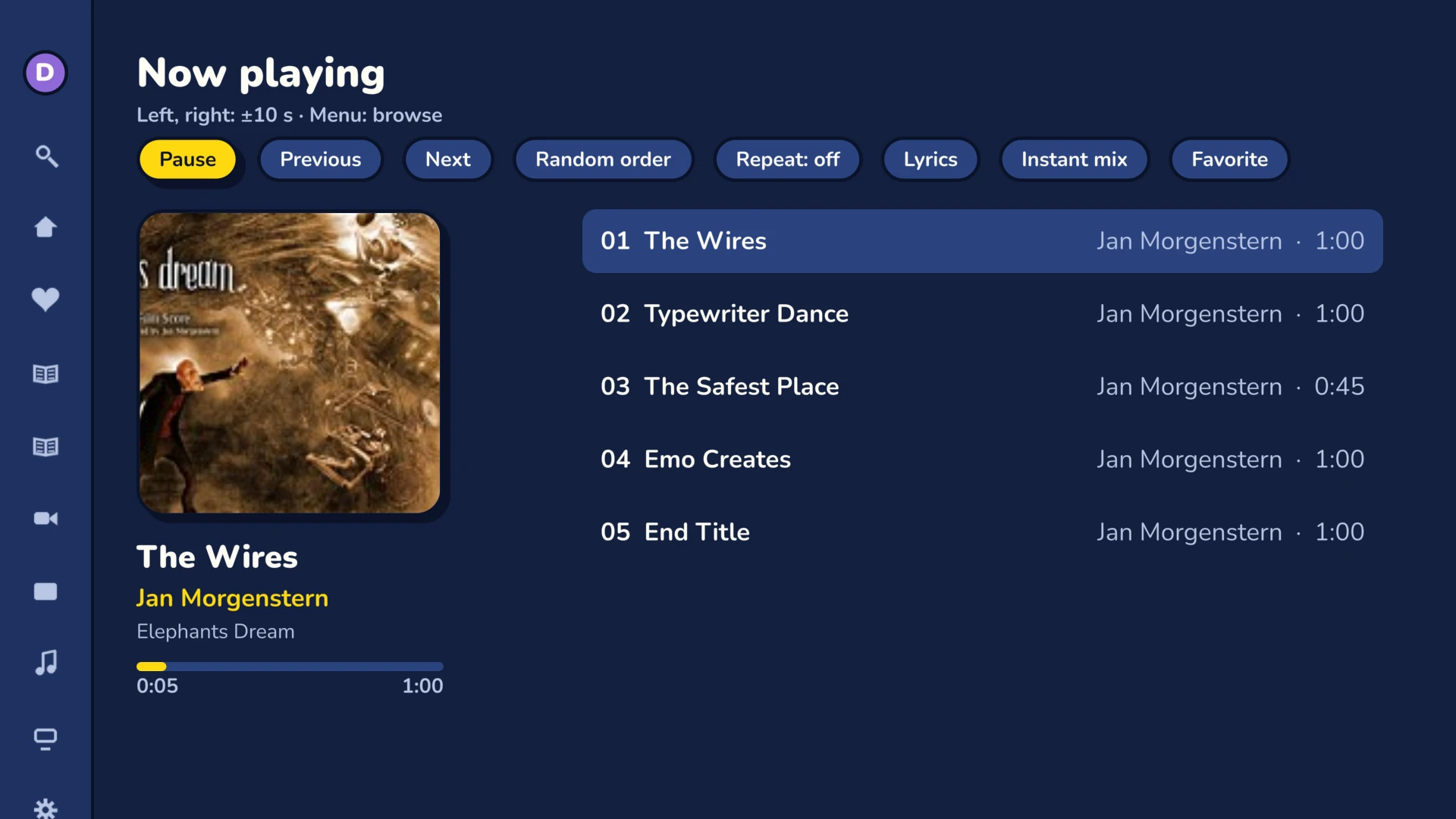
Your Jellyfin music collection on the living room sound system, with the lyrics on screen.

Browse your collection
Album artists, Artists, Albums, Genres, Favorites and Suggestions, just like in Jellyfin. “Shuffle” starts a random listening session.
Suggestions
Recently added albums first, then the ones you play most.
Artists and albums
An artist or a genre leads to its albums. On an album: Play all, Shuffle, add to a playlist, “More from the artist”.
Favorites
Favorite artists, albums and tracks, shared with your other devices.
While you listen

- Now playing: cover, title, artist and progress.
- Play queue: previous or next track, shuffle, repeat.
- Synced lyrics: the line being sung turns yellow, if your server has the lyrics.
- Instant Mix: from an artist, a genre, an album or a track.
- Screensaver: it shows the title and the artist of the current track.
Sound the way you like it
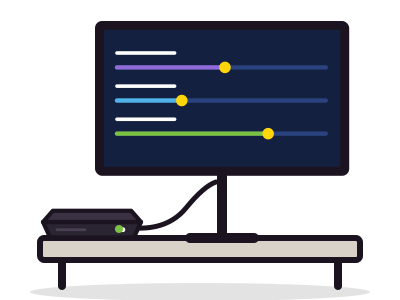
Volume normalization
Off, per track or per album, with the gain computed by your server.
Music quality
Auto, or a fixed bitrate from 64 kbit/s to 2 Mbit/s for a slow connection.
Continue listening
A home screen row that you can show or hide.
And for everything elseAudio output, default quality, home screen rows: you set it all in Frinkfin, and it follows your account. All the settings
Services ApiNetwork
Un serveur Jellyfin à installer ou à régler ? L'atelier s'en charge
À distance ou sur site, à l'heure ou en contrat de maintenance. Le prix s'affiche avant la commande.