



prepared in the workshop
Workshop · business pack
See what goes through the network of a site of 25 to 100 workstations: traffic per device, logs and alerts
Supervision réseau BPI-R4 ApiNetwork, 25 à 100 postes
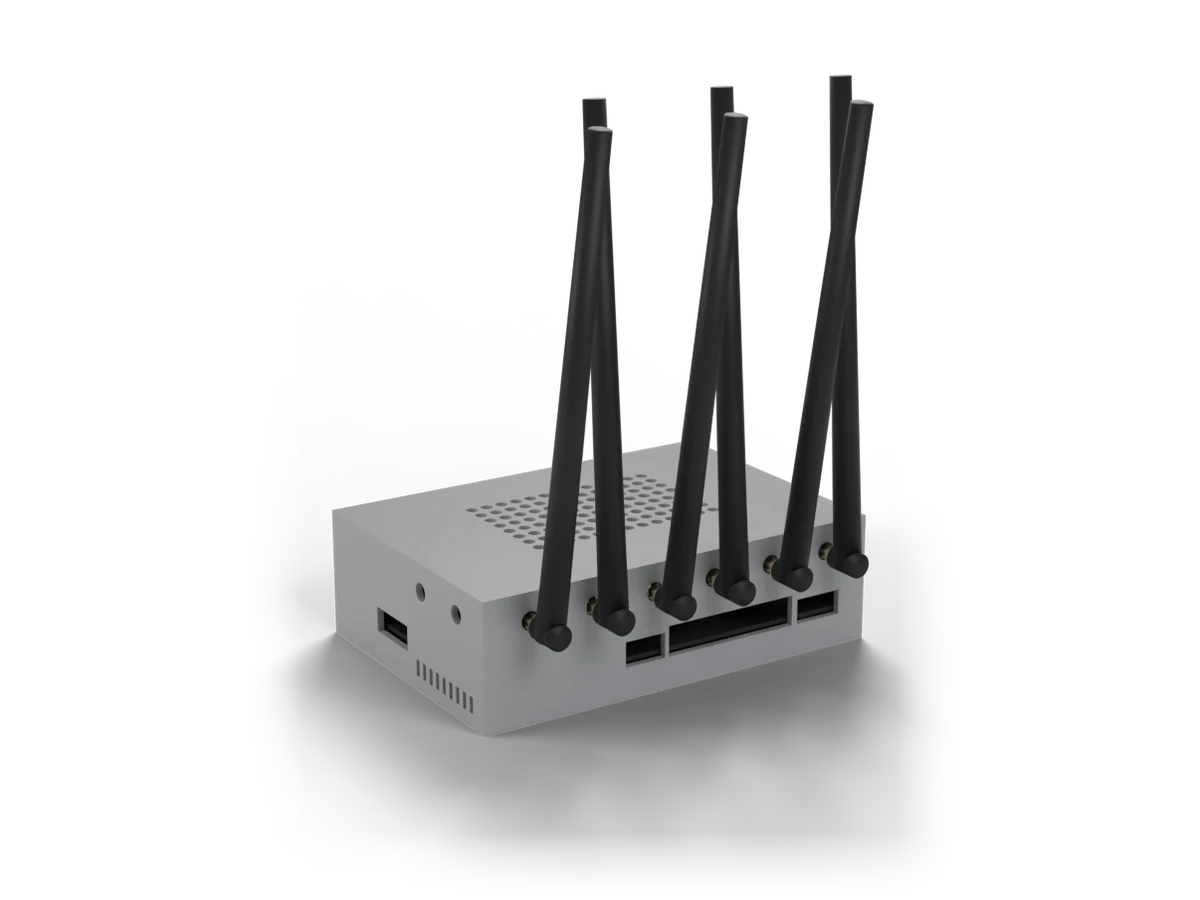
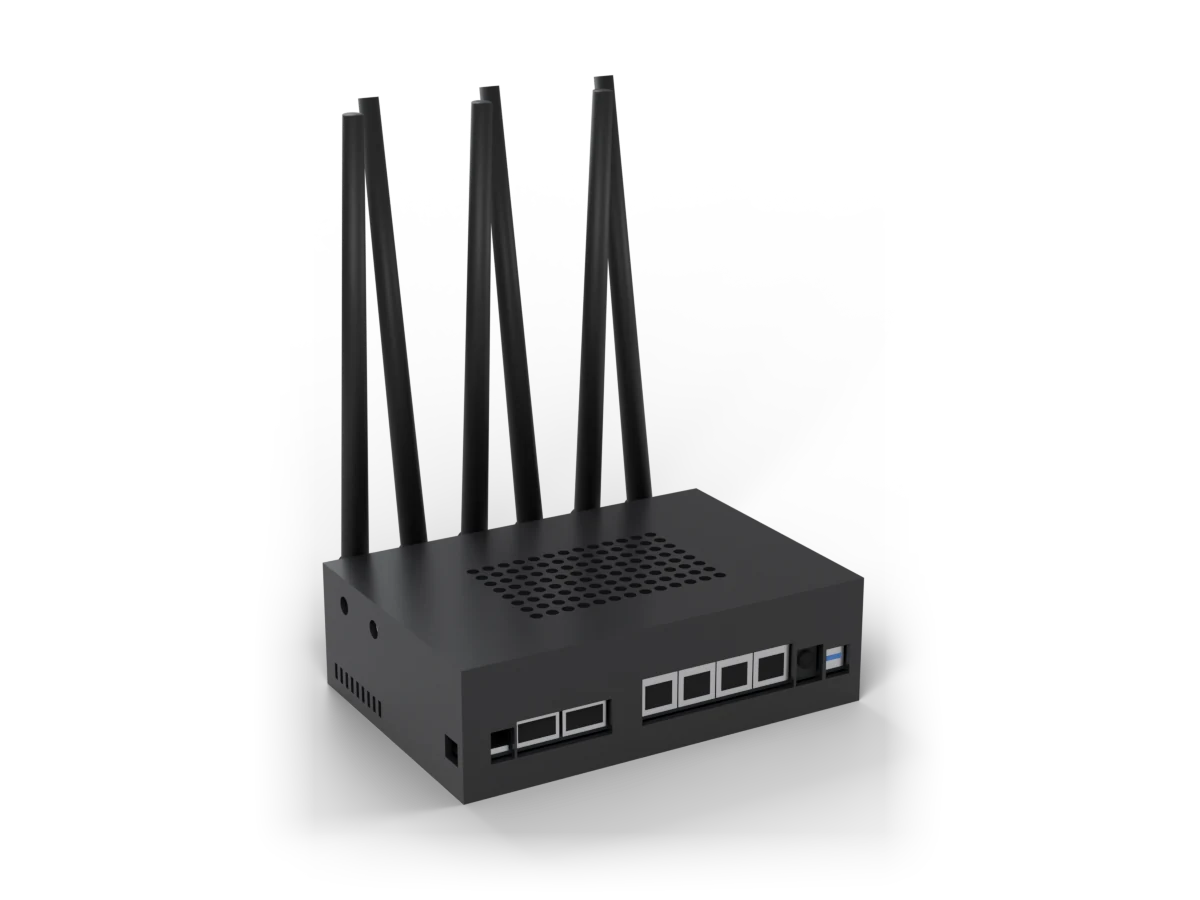
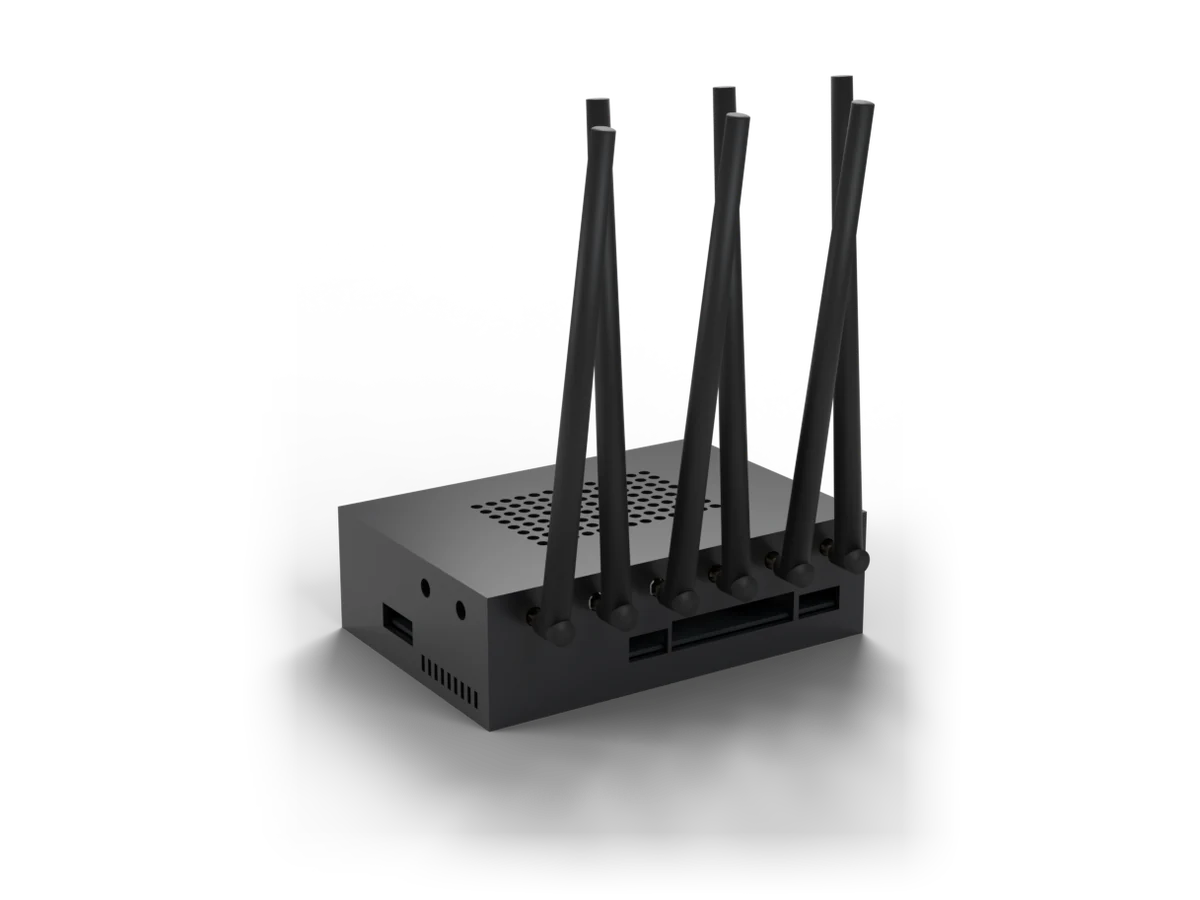
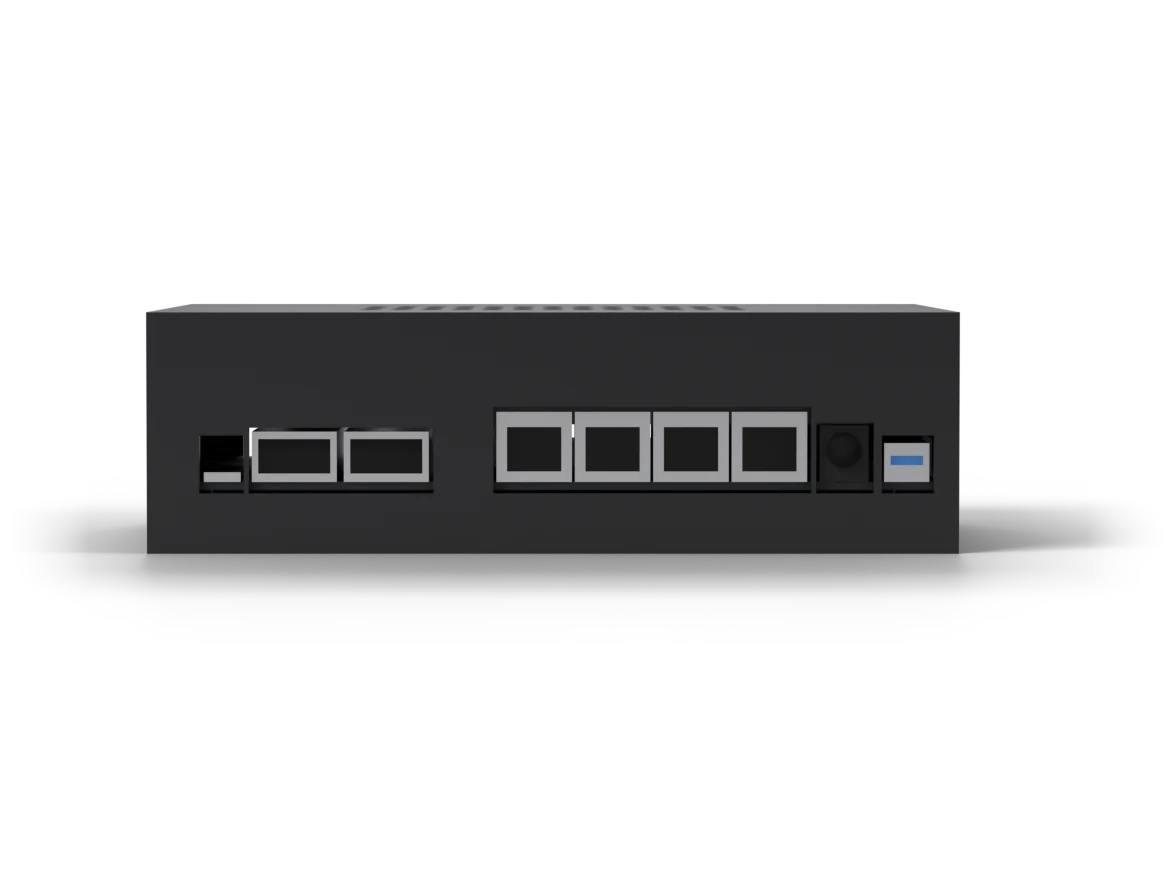
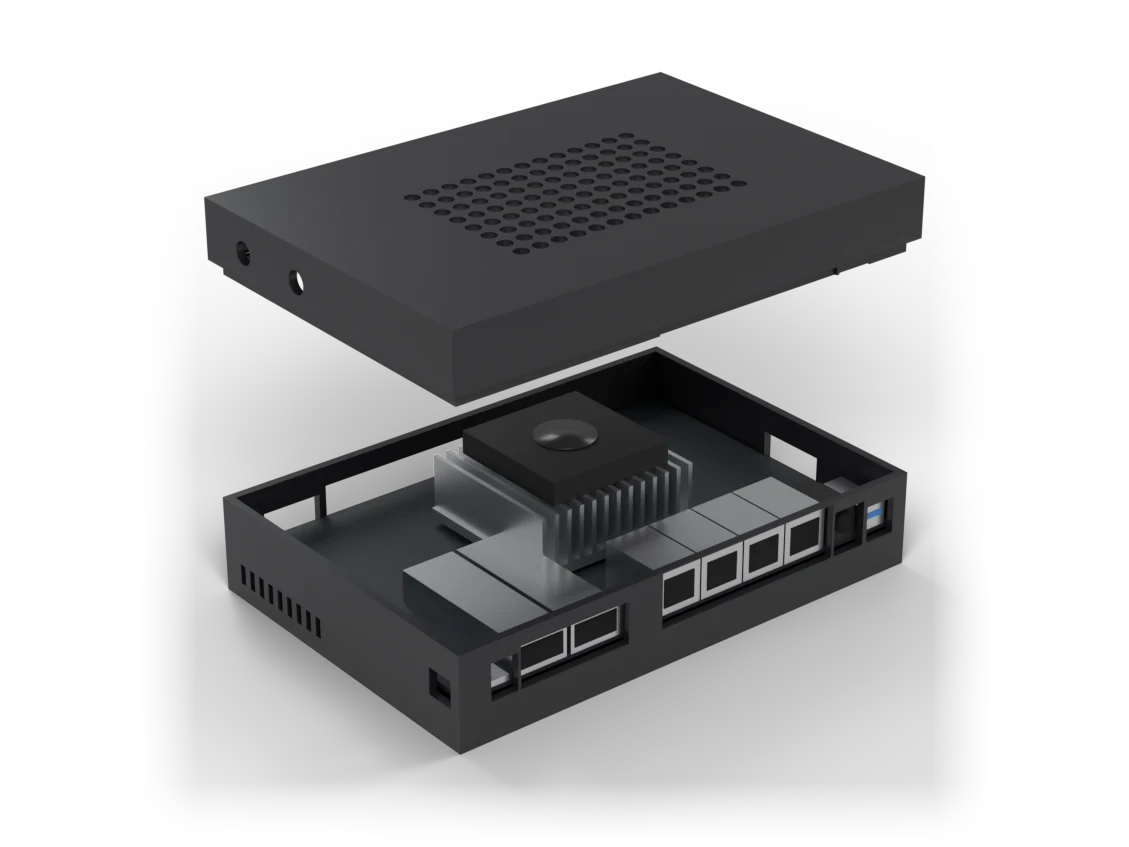
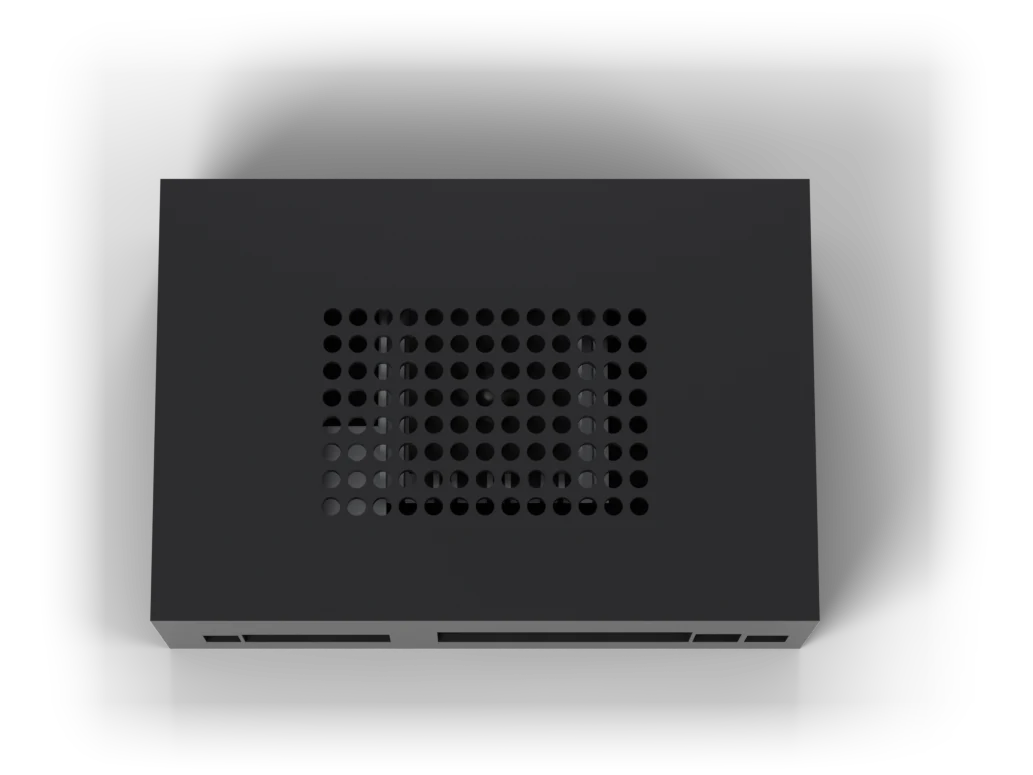
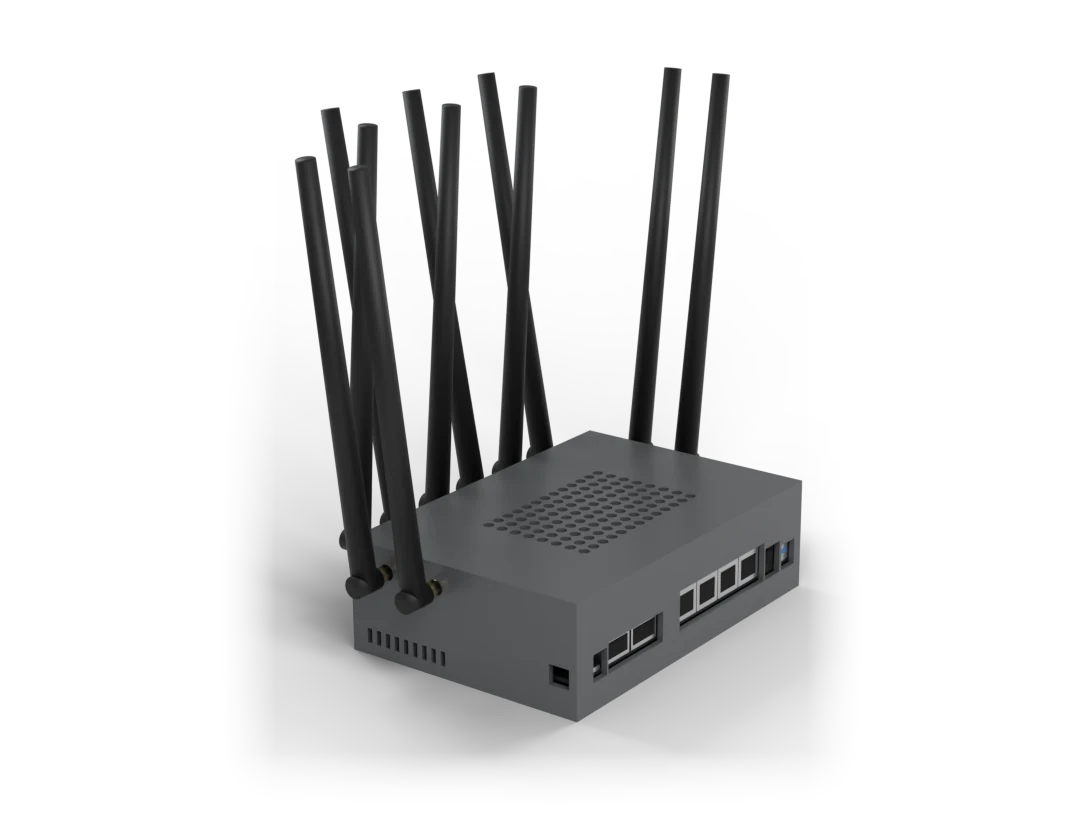
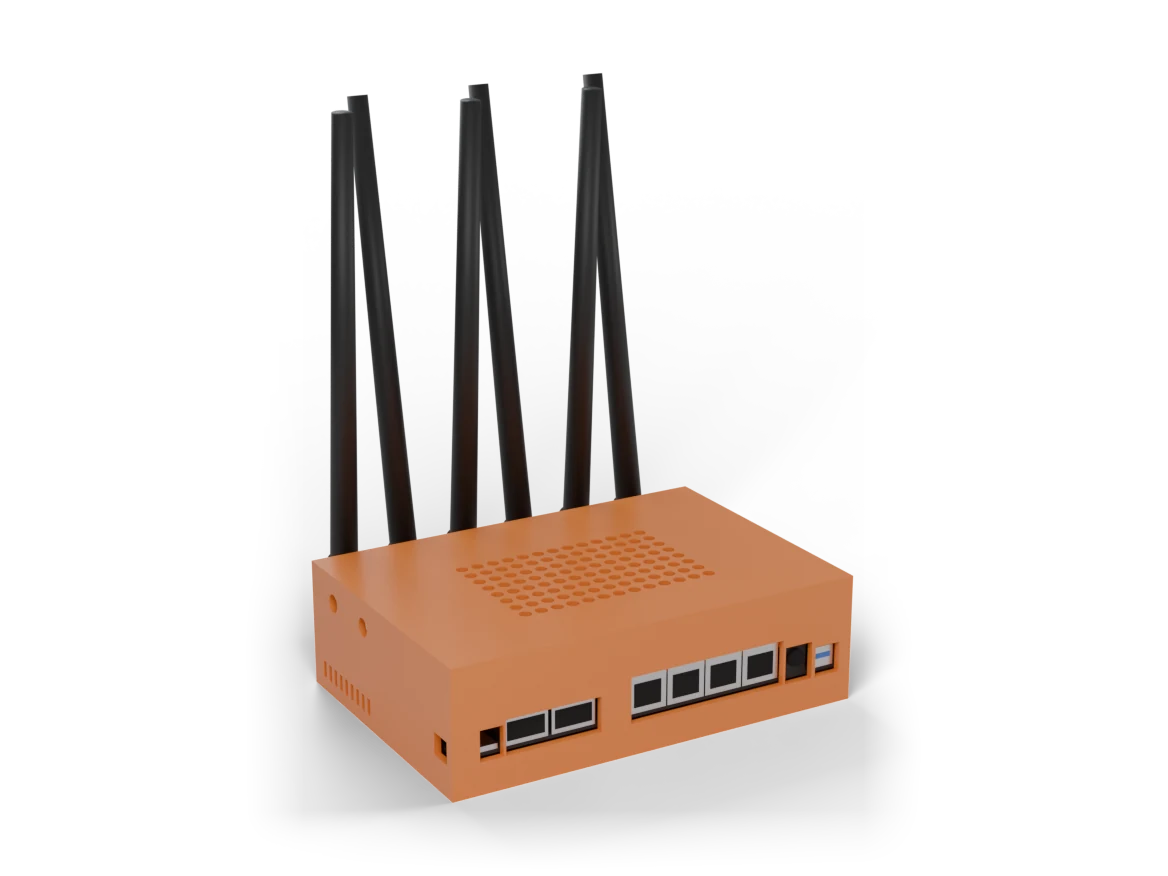
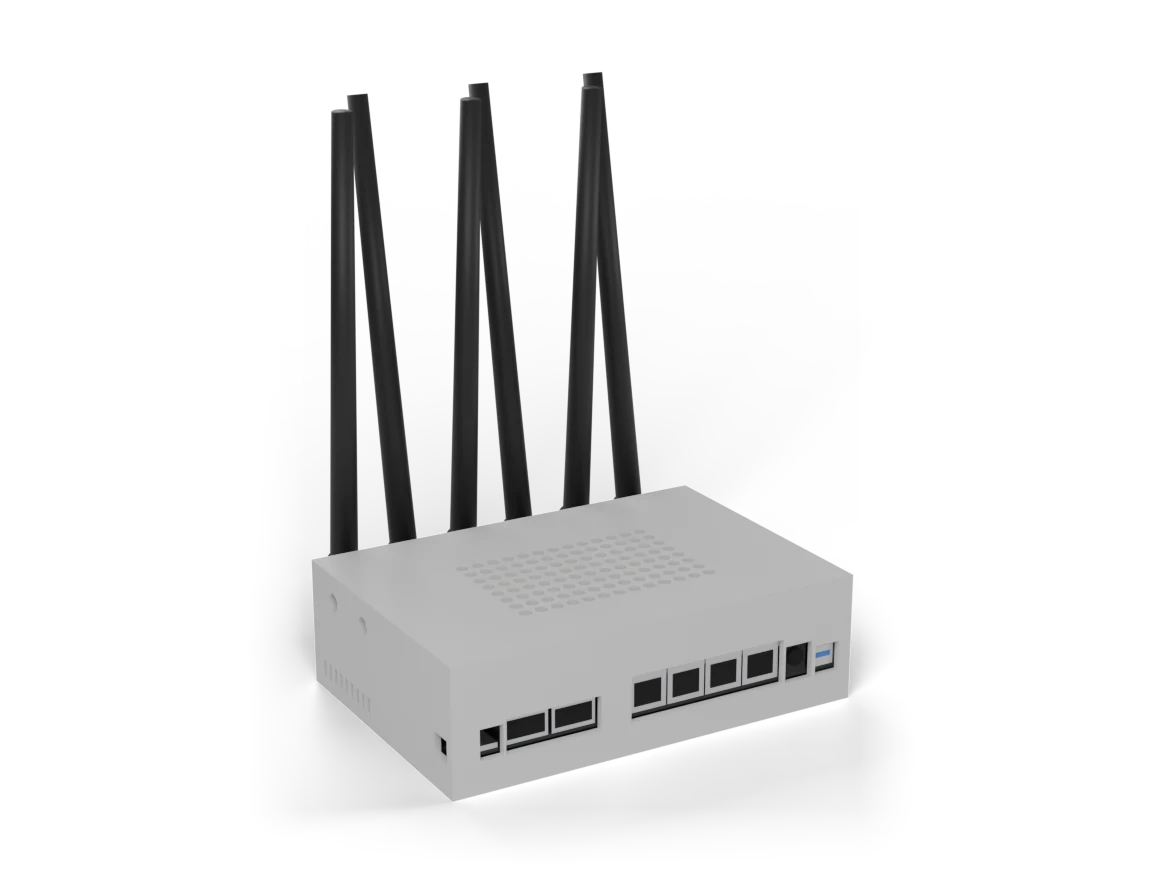
Banana Pi BPI-R4 (MediaTek Filogic 880, 4 Go ; carte 8 Go sur devis), 2 ports SFP+ 10 Gb/s, 4 ports Gigabit et module Wi-Fi 7 BE14, sous OpenWrt officiel, dans le boîtier ApiNetwork imprimé en 3D. Avec un SSD NVMe pour garder les données. ApiNetwork configure le routeur et sa supervision : trafic par appareil (nlbwmon), statistiques (collectd), journaux du site sur le SSD, puis prépare le plan d'adressage pour 25 à 100 postes : VLAN par usage, réservations DHCP, noms des appareils. De série, compris dans le prix affiché : le contrôleur apiwifi d'ApiNetwork, le trafic par appareil et les journaux centralisés de vos autres équipements. Prestations au choix : alertes apiwifi, VPN WireGuard, Wi-Fi 7. SSD NVMe compris pour les journaux de 25 à 100 postes (2 ou 4 To). Options : modules SFP+ cuivre ou fibre, modem 4G/5G et ses antennes, couleur du boîtier. Pose sur site ou mise en service à distance, formation, maintenance 1, 3 ou 12 mois, extension de garantie à 3 ans. Chaque pièce, le montage, la livraison DHL et chaque prestation ont leur ligne. Le contrôleur apiwifi en détail : features and screenshots of the interface. Photos: 3D renderings of the device mounted in the ApiNetwork case, made from the print file.
- parts in the starting configuration
- 3
Composition
Green light: compatible.Red: to fix.Amber: to check.
Kit BPI-R4 (carte 4 GB or 8 GB, Wi-Fi 7, heatsink, alimentation)
3D-printed case (colour)
NVMe SSD (logs and statistics for 25 to 100 devices)
SFP+ module for port 1 (option) · optional
SFP+ module for port 2 (option) · optional
4G/5G modem (option) · optional
4G/5G antennas (with the modem) · optional
5G antennas, 600 to 6000 MHz, 4 pieces with MHF4 to SMA cables



Documents and drivers
Manuals, diagrams and drivers for each part of the pack, standard or optional.
Banana Pi BPI-R4, complete router kitstandard
To download
Technical sheet
BPI-R4 electrical schematic (Banana Pi Google Drive)
DownloadTechnical sheet
DXF mechanical drawing BPI-R4-Main-V11 (Banana Pi Google Drive)
DownloadCE declaration of conformity
CE, FCC and RoHS certificates and reports for the Banana Pi BPI-R4 (English)
Download
To read online, on the manufacturer's site
Getting started guide
Getting started with the BPI-R4 (Getting Started) (manufacturer's site, new tab)
Read onlineUser manual
Official Banana Pi BPI-R4 wiki (manufacturer's site, new tab)
Read onlineRelease notes
Official OpenWrt images for the BPI-R4 (firmware selector) (manufacturer's site, new tab)
Read online
Banana Pi BPI-R4 8 GB, complete router kiten option
To download
To read online, on the manufacturer's site
Getting started guide
Getting started with the BPI-R4 (Getting Started) (manufacturer's site, new tab)
Read onlineUser manual
Official Banana Pi BPI-R4 wiki (manufacturer's site, new tab)
Read onlineRelease notes
Official OpenWrt images for the BPI-R4 (firmware selector) (manufacturer's site, new tab)
Read online
ApiNetwork case for BPI-R4, 3D printedstandard
Samsung SSD 990 EVO Plus 2 TBstandard
To download
To read online, on the manufacturer's site
Technical sheet
990 EVO Plus datasheet (Samsung Semiconductor) (manufacturer's site, new tab)
Read online
Samsung SSD 990 EVO Plus 4 TBen option
To download
To read online, on the manufacturer's site
Technical sheet
990 EVO Plus datasheet (Samsung Semiconductor) (manufacturer's site, new tab)
Read online
Quectel RM520N-GL, 5G M.2 modemen option
Technical sheet
RM520N series (Quectel) (manufacturer's site, new tab)
Read online
Other packs in this department
- Connect your sites and mobile users with WireGuard, for a site of up to 25 workstations, on a 10 Gb/s OpenWrt router
- See what goes through the network of a site of up to 25 workstations: traffic per device, logs and alerts
- Connect your sites and mobile users with WireGuard, for a site of 25 to 100 workstations, on a 10 Gb/s OpenWrt router
- A broadband connection where fibre and ADSL do not reach
- Which router or Wi-Fi access point to choose, configured with OpenWrt or UniFi?
- Whole Network and UniFi department