



Movies and shows
Your libraries, organized just like on your server, with their posters, their detail pages and your progress.

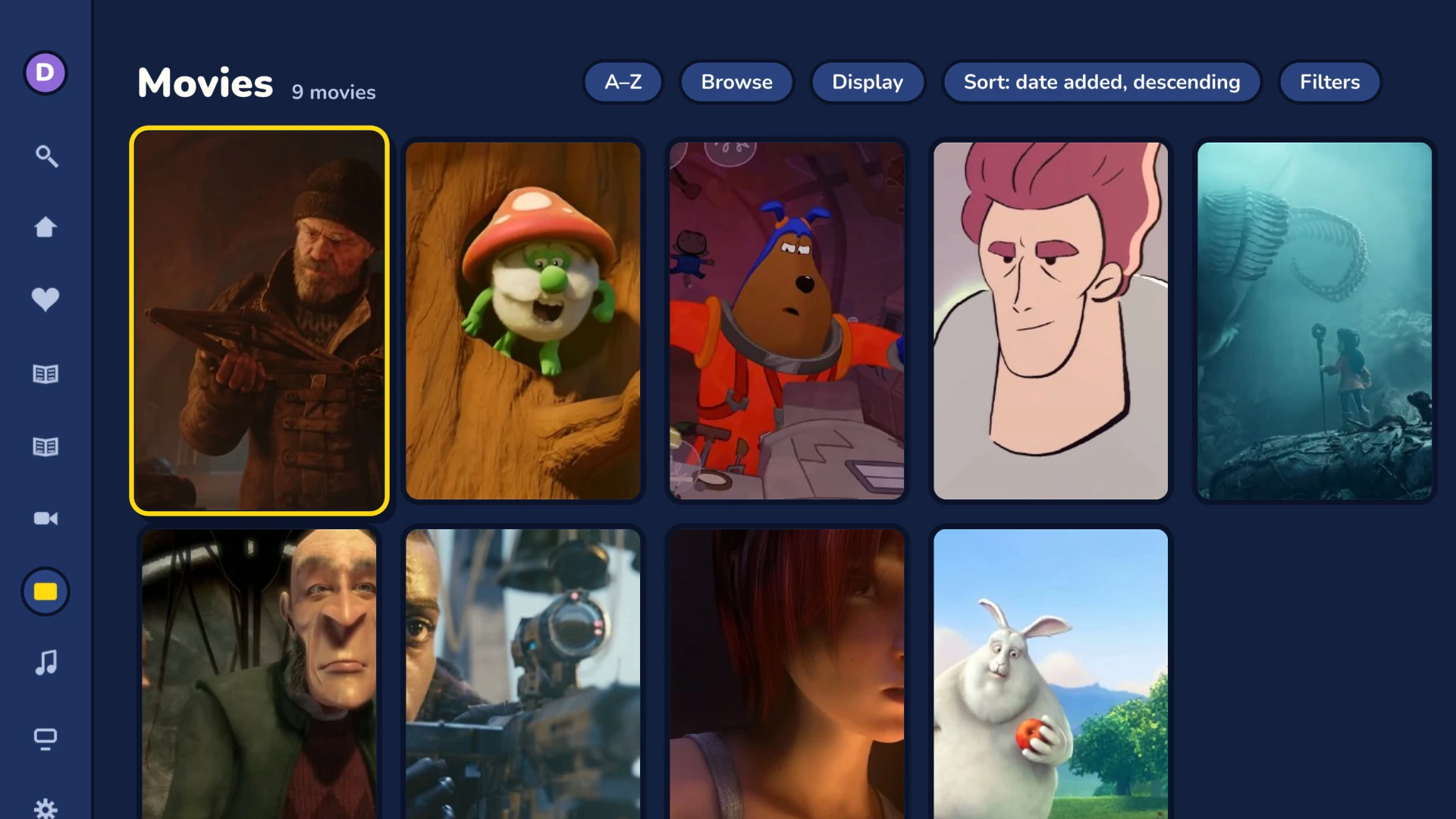
Browse your libraries
Sorting
By name, date added, year, rating, runtime or date played, ascending or descending. Frinkfin can remember the sort order of each library.
Filters
Watched, unwatched, favorites, years, genres, studios, tags and video types. An alphabet bar jumps straight to a letter.
Suggestions and collections
The Suggestions tab offers titles close to what you watch. Your server's collections have their own view.
Library scan
With an administrator account, the library menu starts a library scan on the server.
The detail page
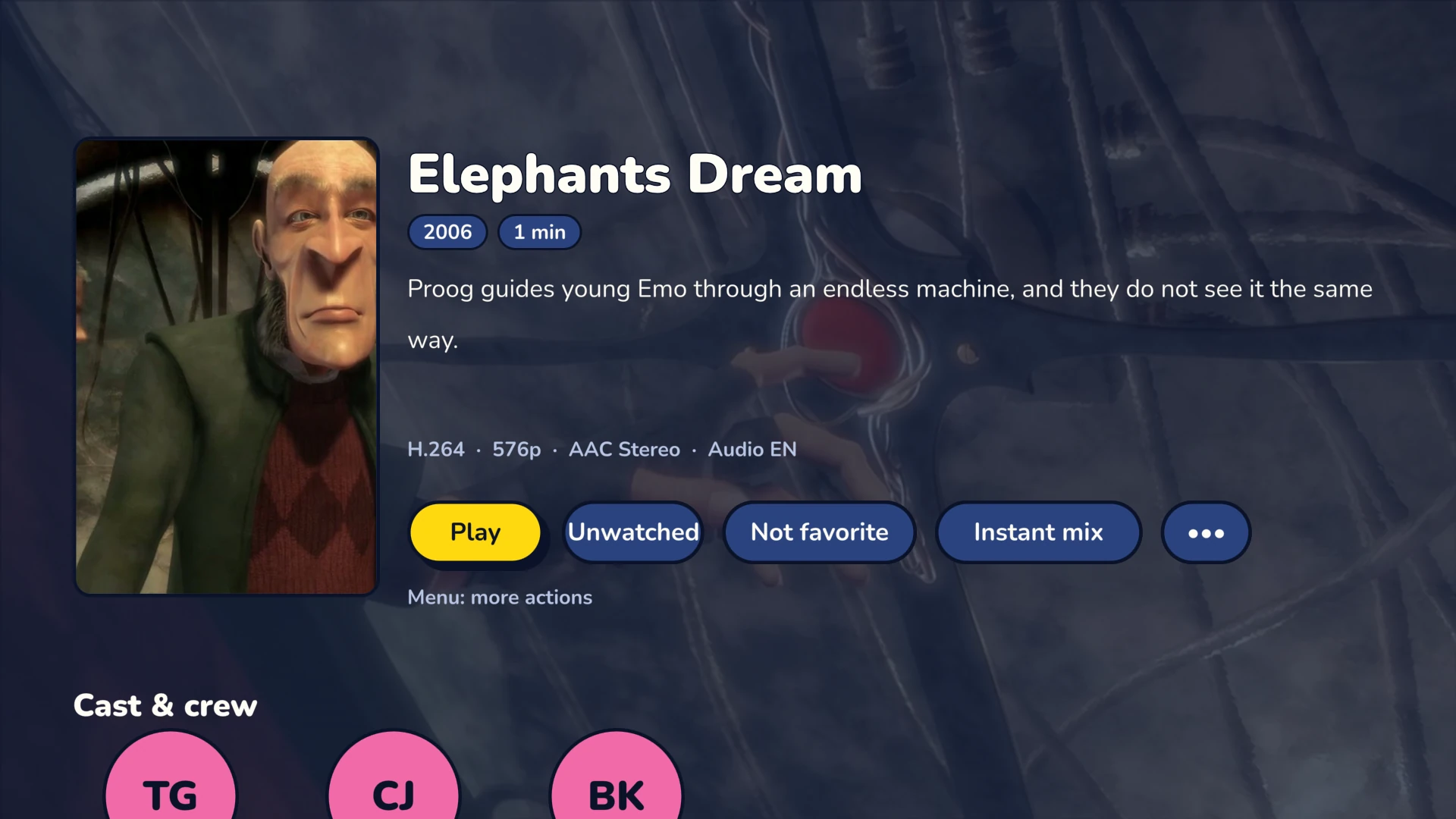
- Title logo, overview, cast and similar movies.
- Instant Mix: a list of related titles, started from the detail page.
- Cinema mode: trailers play before the movie, if you turn it on.
- Detail page buttons: Play or Continue watching, Trailer, Favorite, Watched.
- Menu key: add to queue, play next, playlists, shuffle.
- Tracks: the detail page shows the audio and subtitle tracks of the file before playback.
Shows, episode by episode
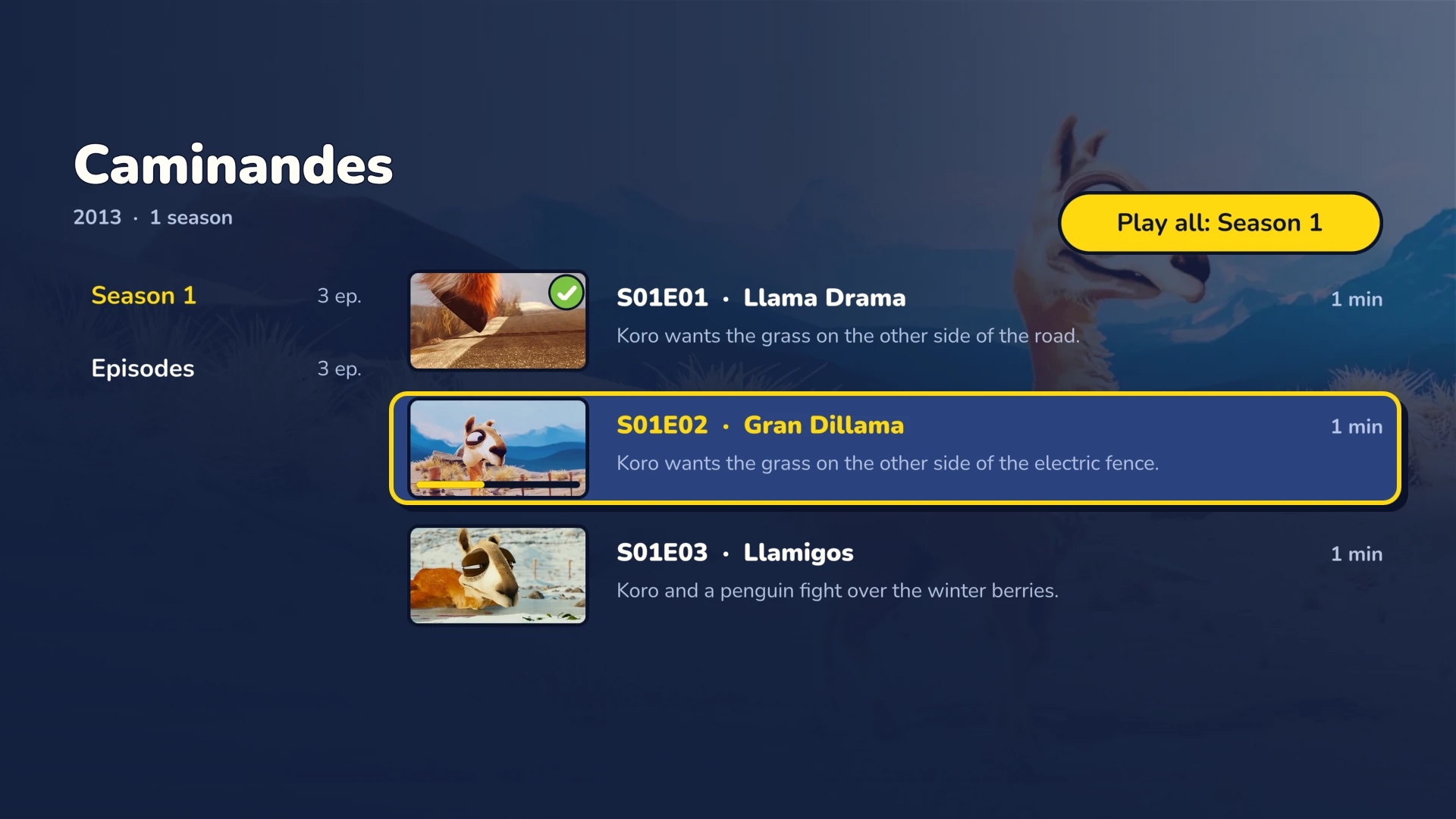
Seasons and Episodes tab
Each season has its own list. The Episodes tab gathers every episode of a library.
Next up and Upcoming
The home screen shows the next episode of each show in progress, and the ones about to air.
Next episode
A card announces the next episode, with a countdown. Playback moves on by itself if you want.
Intro and credits
If your server knows these segments, Frinkfin offers to skip them, or skips them for you.
Find it fast
Search
Movies, shows, episodes, people, music and collections, from the Search key on the remote.
People
The page of an actor or a director lists their movies and shows. Your favorite people have their own row.
Favorites
Movies, shows, episodes, collections, playlists, music and people, together on one page.
Your progress, everywhere
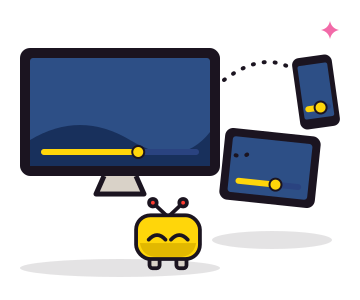
Frinkfin sends your position to your server during playback. So “Continue watching” and watched episodes match your other Jellyfin devices: start on the TV, finish on the tablet.
ApiNetwork-diensten
Een Jellyfin-server installeren of afstellen? De werkplaats regelt het
Op afstand of ter plaatse, per uur of met onderhoudscontract. De prijs wordt getoond vóór de bestelling.