



Audiobooks and e-books
Your Jellyfin book library finally has a place on the TV: listen in the living room, pick it up again in bed.

Sort and find
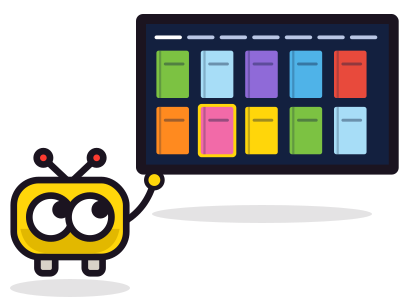
The Books screen has seven sections: audiobooks, e-books, authors, in progress, favorites, unplayed and played. Mark a book as played or unplayed from its page.
Listen to an audiobook
Chapters
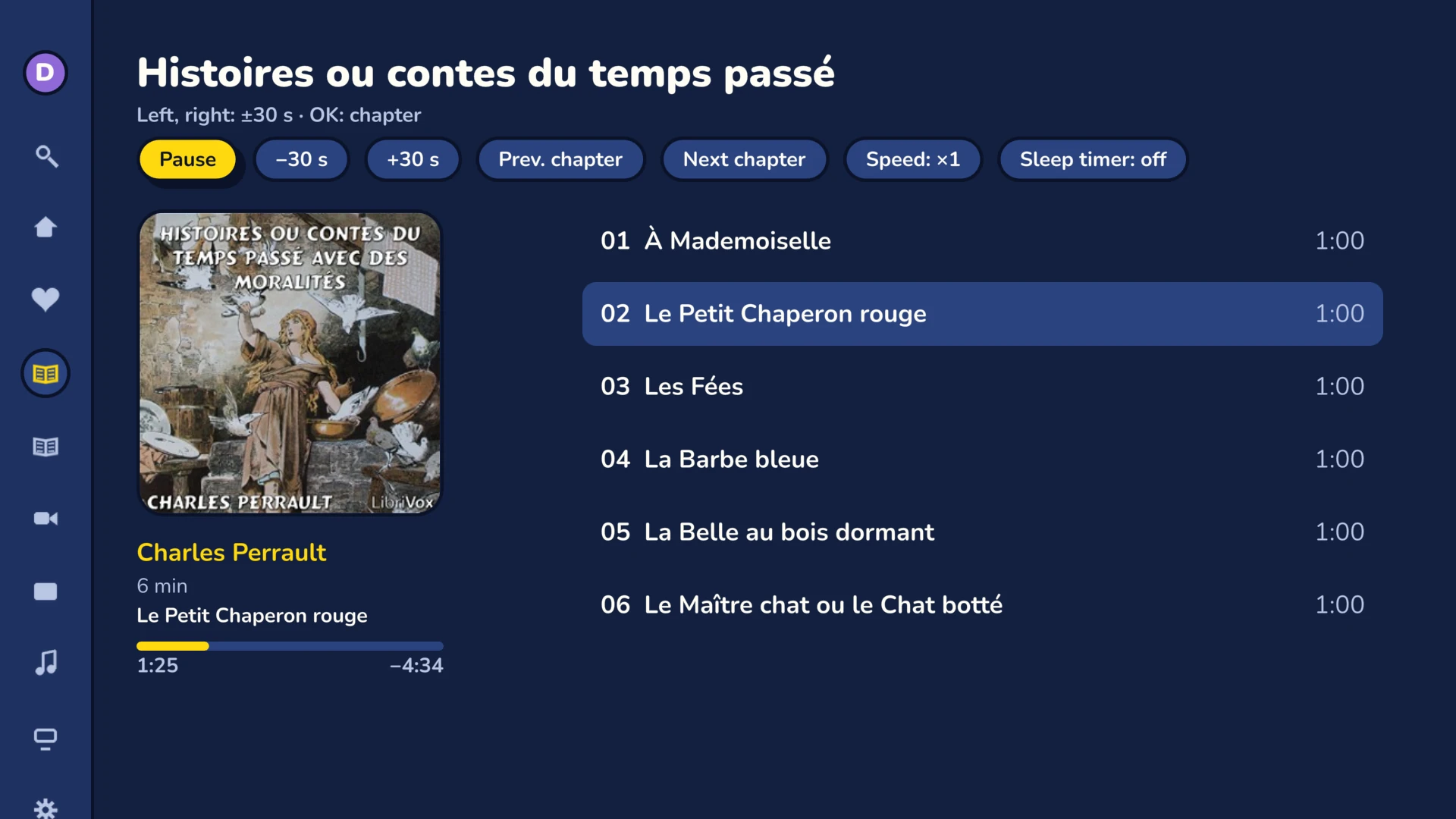
The table of contents leads to every chapter. Previous and next chapter with one key. Chapters come from your server.
Speed
From 0.75 to 2 times normal speed, in steps of 0.25.
30-second jumps
The left and right arrows go back or forward 30 seconds. OK takes you to the chapters.
Sleep timer
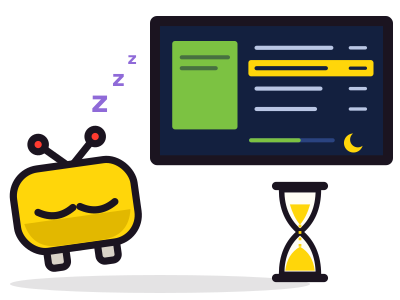
Stops after 15, 30, 45, 60 or 90 minutes, or at the end of the chapter.
E-books
PDF, CBZ, CBR, EPUB
Frinkfin lists your e-books and comics, with their format, their author and their cover.
Read on your phone
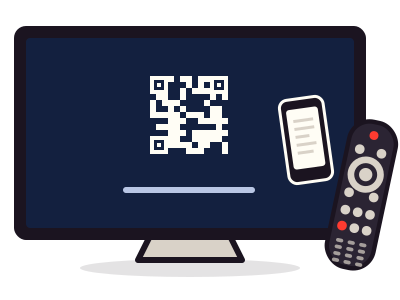
The book page shows a QR code. Your phone opens it in Jellyfin, as long as it can reach your server.
Pick up where you left off
Your position goes to your server. The “Continue audiobooks” row on the home screen takes you back to the right chapter, at the right second. “From the beginning” starts the book over.
ApiNetwork-diensten
Een Jellyfin-server installeren of afstellen? De werkplaats regelt het
Op afstand of ter plaatse, per uur of met onderhoudscontract. De prijs wordt getoond vóór de bestelling.