



Settings and accounts
The whole family on one box, each with their own account, languages and progress.
Servers and accounts
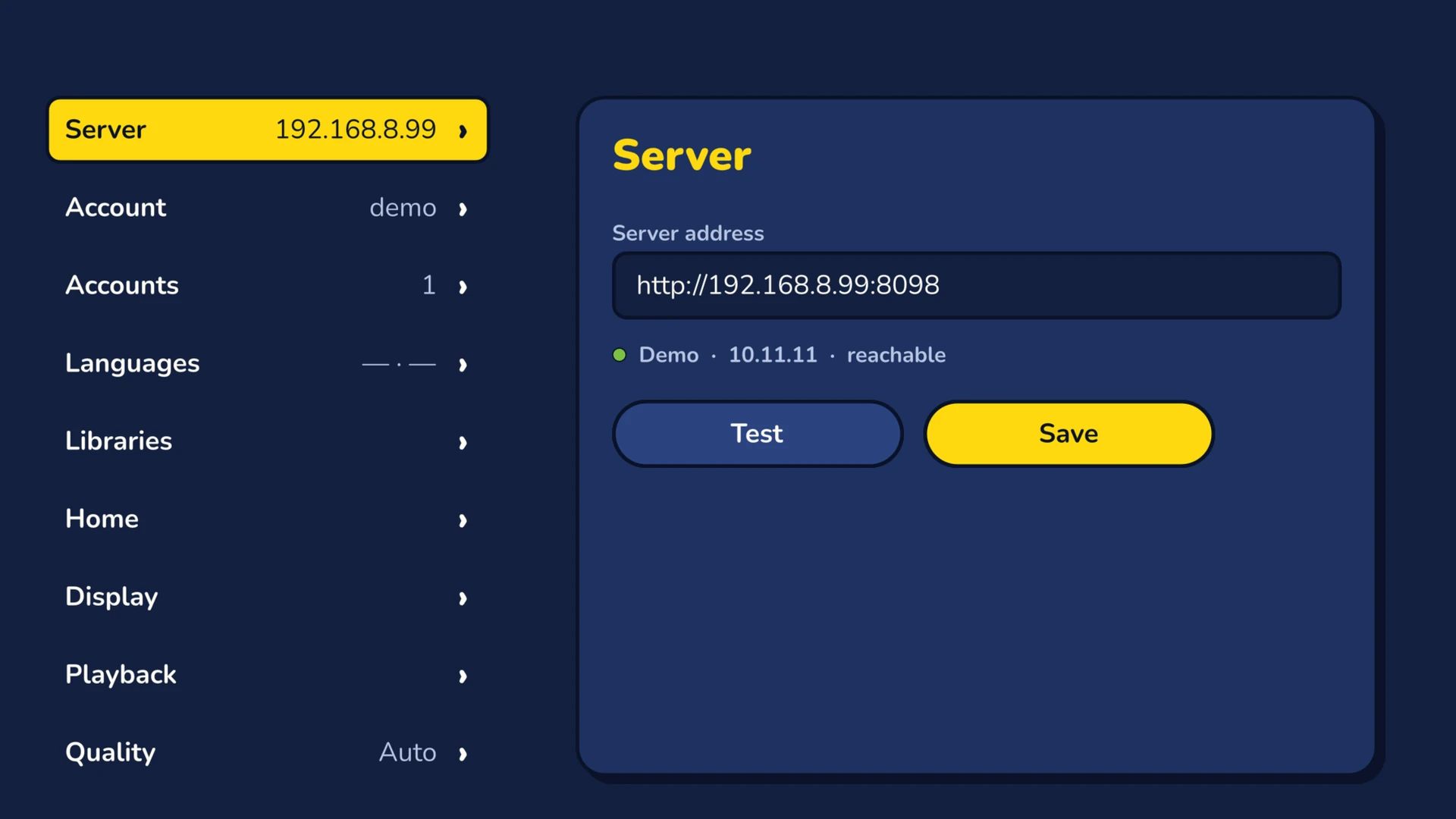
Server
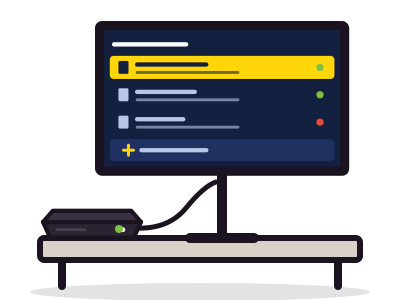
Add a server by its address, test that it answers, keep several of them.
Accounts
Several accounts kept on the box. Automatic sign-in to the last account, sorting by use or by name, forgetting an account.
Account
The signed-in account, its age limit, its PIN code. Change profile or sign out.
Quick Connect both ways
Sign in the box
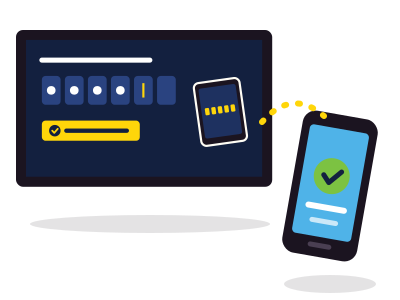
At sign-in, the TV shows a code. Approve it in Jellyfin on a device that is already signed in.
Sign in another device
In Settings, Account, type the code shown by the other device, then choose Authorize.
A PIN code per profile
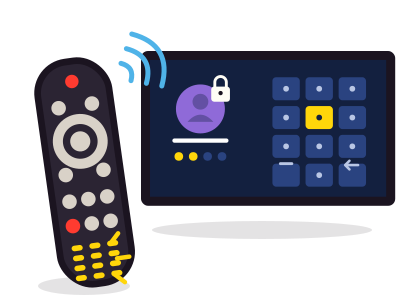
A PIN code protects a profile on the box. Frinkfin keeps only its hash. After five wrong codes, the profile must sign in again. Account limits (ratings, access hours) stay those of your server.
Step by stepAdd an account, protect a profile, switch from one account to another: the tutorial guides you. Several accounts and a PIN code
The settings sections
Server, Account and Accounts are covered above. Here are the others, in the order of the Settings screen.
- They follow you. Languages and Libraries are settings of your Jellyfin account: your other devices pick them up.
- They stay on the box. Quality, Audio output and Screensaver apply to this Freebox Player only.
Languages
Interface language, preferred audio and subtitles, subtitle mode, remembered choices. Settings of your Jellyfin account.
Libraries
Library order, latest items, hide watched, missing episodes, Collections view. Settings of your Jellyfin account.
Home
Up to ten rows in the order you choose: Continue watching, Next up, Latest, Live TV, Recordings…
Display
Sorting, backdrop, clock, “watched” mark, theme music and theme video.
Playback
Automatic next episode, cinema mode, jump lengths, resume with rewind, “Still watching?”, intro and credits, quality over the Internet, maximum resolution and channels, subtitle style.
Quality
Default playback quality: Auto, from the measured bandwidth, or a fixed bitrate.
Audio output
AAC 2.0 or AC-3 5.1, depending on your setup.
Screensaver
Screensaver delay, or never.
About
Frinkfin and server versions. Sends the log to your server, for a bug report.
Interface in two languages
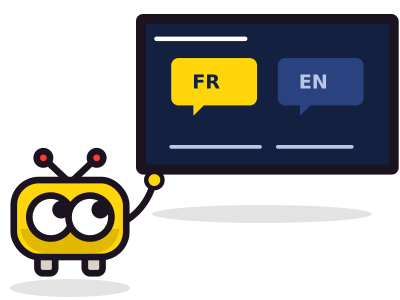
Frinkfin speaks French or English. It follows the display language of your Jellyfin account, otherwise the language of the box. Dates and times follow the same language.
Usługi ApiNetwork
Serwer Jellyfin do zainstalowania lub ustawienia? Zajmie się tym pracownia
Zdalnie lub na miejscu, godzinowo lub w ramach umowy serwisowej. Cena jest widoczna przed zamówieniem.