




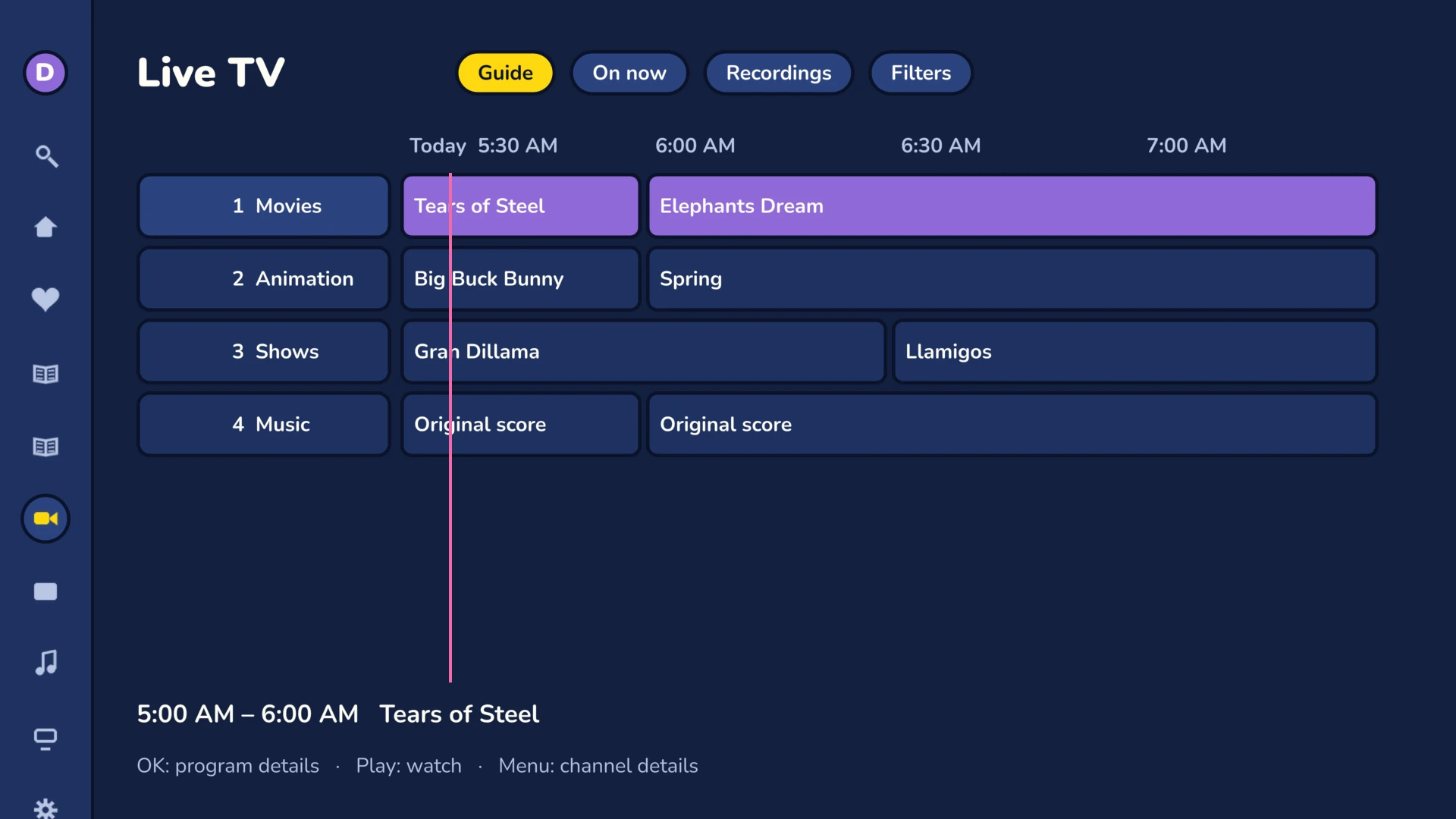
The TV tabs
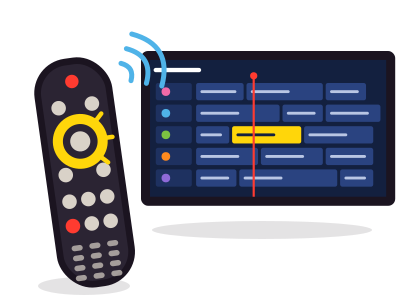
You needlive TV on your Jellyfin server: a tuner or an IPTV source, set up in its dashboard.
Guide
Two hours of programs, channel by channel. Filters keep your favorite channels, your genres and the channel order in your account.
On now
The programs your server recommends, on air now and coming up.
Recordings
Sorted into groups: in progress, shows, movies, sports, kids, news. Scheduled recordings and series have their own lists.
Watch a channel
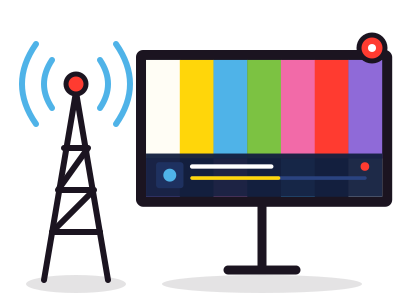
- Channel banner: it appears each time you change channels.
- Channel bar: press OK, then move from one channel to the next without leaving the picture.
- Direct access: type the channel number with the number keys of the remote.
- Record key: it schedules a recording of the current program.
- Previous channel: go back to the last channel with one key. Frinkfin also remembers the last channel you watched.
Schedule a recording
Open the program page
From the guide, from On now, or with the Menu key while watching live.
Choose Record
Or “Record the series”: new episodes only, on all channels or at any time.
Cancel if needed
The same page cancels the recording or the series.
Servizi ApiNetwork
Un server Jellyfin da installare o regolare? Ci pensa il laboratorio
Da remoto o in sede, a ore o con contratto di manutenzione. Il prezzo è mostrato prima dell'ordine.